Thu, September 17, 2026

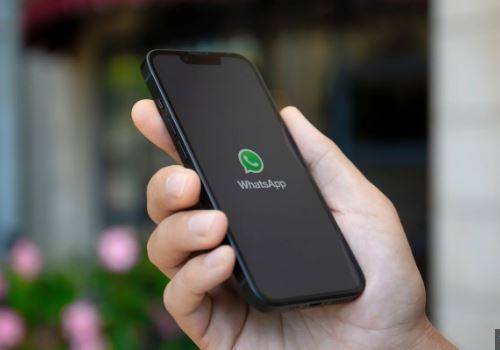
California (Web Desk): A major issue for WhatsApp users has always been that a single phone number could only be used on one device at a time. If you try logging into the same number on a different phone, the first device automatically logs out. In contrast, apps like Telegram and others allow users to log in to multiple devices simultaneously.
However, the good news is that WhatsApp has now rolled out a feature that lets users use the same phone number on multiple phones at the same time. This new feature is easy to use and doesn't require much effort, but many users are still unaware of how to take advantage of it.
How to Use One Number on Two or More Phones Simultaneously?
Step 1:
First, make sure both phones have the latest version of WhatsApp by updating the app.
Step 2: Open WhatsApp on the Second Phone
On the second phone, open WhatsApp. Instead of entering your phone number, click on the three-dot menu in the top right corner.
Step 3: Select "Link a Device"
From the three-dot menu, select the "Link a Device" option.
Step 4: Go to Linked Devices on the First Phone
On the first phone, open WhatsApp and go to Settings, then tap on "Linked Devices."
Step 5: Scan the QR Code
Now, scan the QR code displayed on the second phone using the first phone.
Step 6: Start Using WhatsApp on the Second Phone
Once the scan is complete, your WhatsApp account will work on the second phone just like it does on WhatsApp Web. All your messages and data will appear on the second phone.
Important:
The first phone must stay within proximity of the second phone at least once every 14 days, or else the account will be logged out of the linked devices.
With this method, you can easily use one WhatsApp number on two or more phones at the same time, just as you would with WhatsApp Web across multiple devices.
Neo News | Copyright © 2026